FlyingPress 5.3: Native Image Optimization Is Here

FlyingPress version 5.3 now includes native image optimization via the cloud, transforming this caching plugin into a comprehensive performance suite. This centralization eliminates the need for third-party extensions, lightens the load on your server, and boosts your Core Web Vitals. Key highlight: adopting the AVIF format cuts LCP rendering time in half.
Is your WordPress site slowing down due to heavy images and a pileup of conflicting plugins? This article details how the release of FlyingPress 5.3 solves this dilemma by natively integrating cloud-based media optimization. You’ll discover how this all-in-one solution simplifies your technical maintenance while propelling your performance scores to new heights.
Why FlyingPress version 5.3 transforms your performance management
FlyingPress no longer just caches your pages; it now tackles the dead weight of media to simplify life for WordPress users.
An all-in-one solution to limit the number of plugins
Centralization drastically reduces your technical debt. Fewer plugins mean fewer potential conflicts. This also strengthens the overall security of your WordPress site on a daily basis.
Combining caching and media processing offers unprecedented consistency. You manage everything from FlyingPress without juggling multiple complex third-party tools.
- Reduction in HTTP requests
- Single interface
- Saves maintenance time
The dashboard finally runs smoothly. It’s a real relief for freelancers.
The transition from a simple caching plugin to a complete suite
FlyingPress becomes the central brain of your optimization. It no longer just serves static pages. Now, it optimizes your media for raw speed. This transformation radically boosts the efficiency of your integrated platform.
Managing a single tool is far more cost-effective for creators. You avoid juggling three different subscriptions every month. Operational simplicity becomes a major asset for your workflow.
How the new cloud-based image compression system works
But how does FlyingPress manage to slim down your visuals without overloading your server processor? It all happens in the cloud.
Next-generation formats and rendering flexibility
AVIF often outperforms WebP in compression. Your files become tiny without losing their original visual vibrancy. The size reduction is dramatic compared to the originals.
You choose between perfect quality or a featherweight file. You remain in control of the final output. FlyingPress adapts to your aesthetic requirements.
| Format | Gain de poids moyen | Qualité visuelle | Compatibilité |
|---|---|---|---|
| JPEG | 0% | 5/5 | Universelle |
| WebP | 30% | 4/5 | Élevée |
| AVIF | 50% | 4.5/5 | Moderne |
AVIF is clearly the future of the modern web. It’s the choice of pure efficiency.
Off-site processing to preserve server resources
Your hosting no longer suffers during optimization. FlyingPress sends the data to its own dedicated servers. The heavy lifting is done elsewhere, discreetly. Your site remains fast throughout the process.
Your original files remain intact on your server. You can revert to them at any time. This is essential security for demanding photographers and creators.
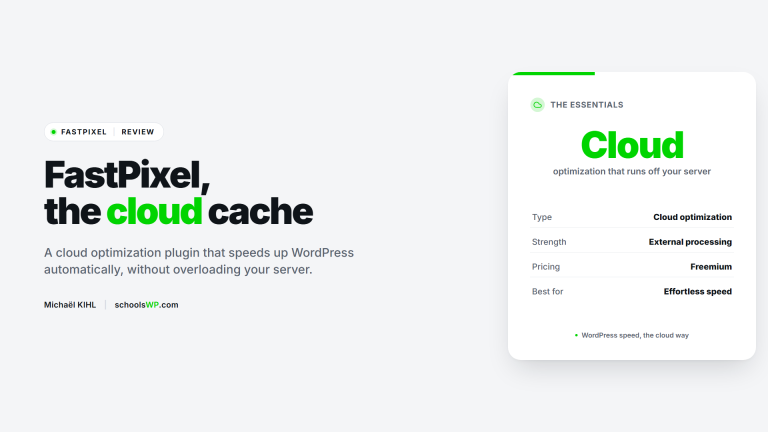
You can compare this approach with the FastPixel solution to evaluate cloud performance.
Direct impact on LCP and Core Web Vitals scores
Beyond the technical aspects, what are the concrete results on Google’s metrics that really matter for your SEO?
Reduced load time for the largest content element
The improvement in LCP becomes immediately apparent upon activation. A lighter hero image loads instantly. The user no longer sees a blank space while the page loads.
The potential gain is massive. We often see jumps of 20 points on PageSpeed. That’s the difference between an orange score and a bright green one.
Optimizing images natively with FlyingPress often cuts the Largest Contentful Paint rendering time in half.
Check out this guide on WordPress Speed to learn more about performance concepts.
Smart management of Lazy Loading and critical images
The plugin identifies immediately visible visuals to set display priority. It loads them with absolute priority for the user. The rest patiently wait until the user scrolls down the page. It’s pure software intelligence.
Generating srcset attributes ensures perfect adaptation to every screen. A smartphone will never download a desktop version. This results in massive bandwidth savings.
Mastering your Core Web Vitals and LCP remains the most powerful lever for ensuring a smooth and high-performance user experience on WordPress.
Setup and migration: painlessly ditching your old plugins
Convinced? Here’s how to take the plunge and clean up your WordPress installation for good.
Ideal settings for a balance between file size and quality
A compression setting of 85% often strikes the perfect balance. This preserves impeccable sharpness while drastically reducing file size. In practical terms, it ensures a fast-loading site.
Certain elements, such as a logo, sometimes require absolute precision. FlyingPress lets you exclude these specific files using a simple CSS class or ID. It’s simple, fast, and highly effective for maintaining control.
- Precise adjustment of visual quality.
- Enable the AVIF format for superior compression.
- Exclusion via selector for critical images.
Be sure to test the rendering on different browsers. This compatibility remains essential to guarantee a seamless overall user experience.
Procedure for replacing image processing plugins
Start by performing a full backup of your database. Then deactivate your old image optimization plugin. Finally, enable the native feature. It’s a thorough process but extremely simple to carry out.
Delete any unnecessary tables left behind by your old extensions. This permanently lightens your database and prevents the accumulation of technical clutter. Your WordPress site will thank you for this essential refresh.
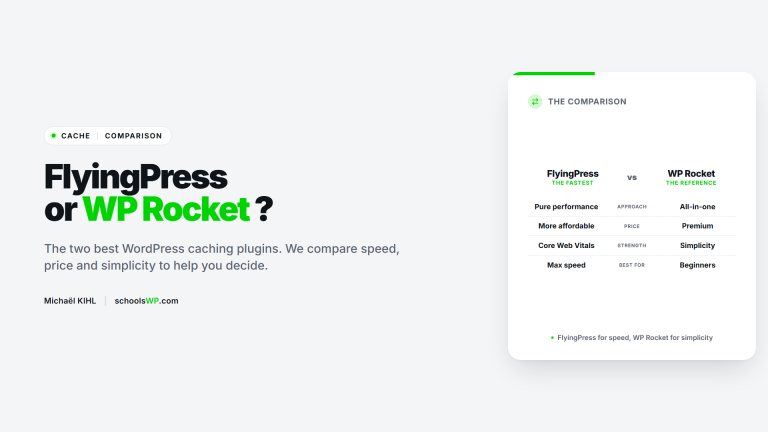
Check out this FlyingPress vs. WP Rocket comparison to validate your technical choice. Centralizing your tools is the key to sustainable performance.
The FlyingPress 5.3 update transforms your WordPress site into an all-in-one solution thanks to native image optimization. By centralizing cache, WebP/AVIF, and Core Web Vitals, you lighten your server load and boost your LCP. Simplify your maintenance now to ensure blazing-fast, long-lasting speed.
With version 5.3, FlyingPress becomes a complete performance suite and no longer just a caching plugin. Native image optimization via the cloud, AVIF served as a smart fallback, and off-site processing save you from stacking three or four extensions for the same result. If this version delivers on its promises for your Core Web Vitals, it’s probably time to consolidate your stack around a single tool.
Questions about FlyingPress? I have the answers.
Get answers to a list of frequently asked questions.