FlyingPress Review: Boost Your Core Web Vitals in 2026

FlyingPress promises green Core Web Vitals without touching your code. Let’s see how it performs on a real WordPress site.

This schoolsWP image highlights the official logo of the plugin tested by Michaël KIHL.
FlyingPress is a paid WordPress performance plugin focused on page caching, CSS/JS optimization, images, and Core Web Vitals. Developed by Gijo Varghese. It replaces a stack of multiple performance plugins with a single tool. It includes a Core Web Vitals RUM tracker, a rarity in this segment. Starting at $59/year for 1 site, with a 14-day free trial. Alternative: WP Rocket if you want documentation and support in French.
| Element | Value |
|---|---|
| Entry price | $59/year (Starter plan, 1 site) |
| Target use case | A WordPress site that wants to pass its Core Web Vitals without stacking four plugins |
| schoolsWP verdict | A solid pick if you're fine with English-only support and run a lightweight theme stack |
| Alternative | WP Rocket if you want deeper documentation and more support options |
Your WordPress site is slow to load. You’ve already installed two caching plugins that conflict with each other. You’re wondering if FlyingPress is worth its annual license fee or if you’ll be switching tools again in six months.
This article is a schoolsWP review, not an affiliate post trying to sell you the best plugin of the decade. We’ll look at what FlyingPress actually does, how much it costs in 2026, how to set it up in fifteen minutes, which WordPress stack it works well with, and what kind of site it’s really designed for.
What exactly is FlyingPress?
What this plugin is really for
FlyingPress is a WordPress performance plugin developed by Gijo Varghese, an active developer in the Core Web Vitals space. It combines into a single tool features that are usually spread across multiple plugins: page caching, CSS and JavaScript optimization, image management, font preloading, CDN integration, and real-world Core Web Vitals monitoring.
The pitch can be summed up in one line: replace a stack of cache + lazy load + asset optimizer + font preload with a single plugin, featuring default settings optimized for Core Web Vitals.
What it doesn’t do
FlyingPress is not a security plugin. No anti-spam, no firewall, no malware scanning. If you’re looking for that, you’ll need to pair it with SecuPress, Wordfence, or the equivalent from your host. Its scope is strictly performance.
What FlyingPress does under the hood
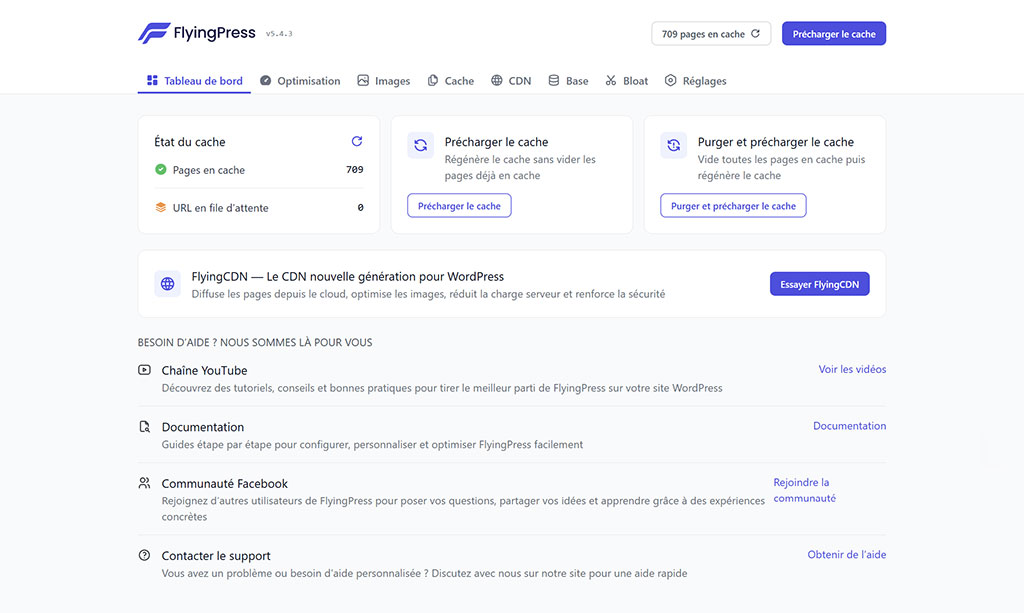
Page, Object, and Database Caching
FlyingPress caches full HTML pages, supports Redis object caching, and optimizes the database by cleaning up revisions, expired transients, and orphaned tables. The cache can be flushed manually or automatically with every content update.
CSS and JavaScript Optimization
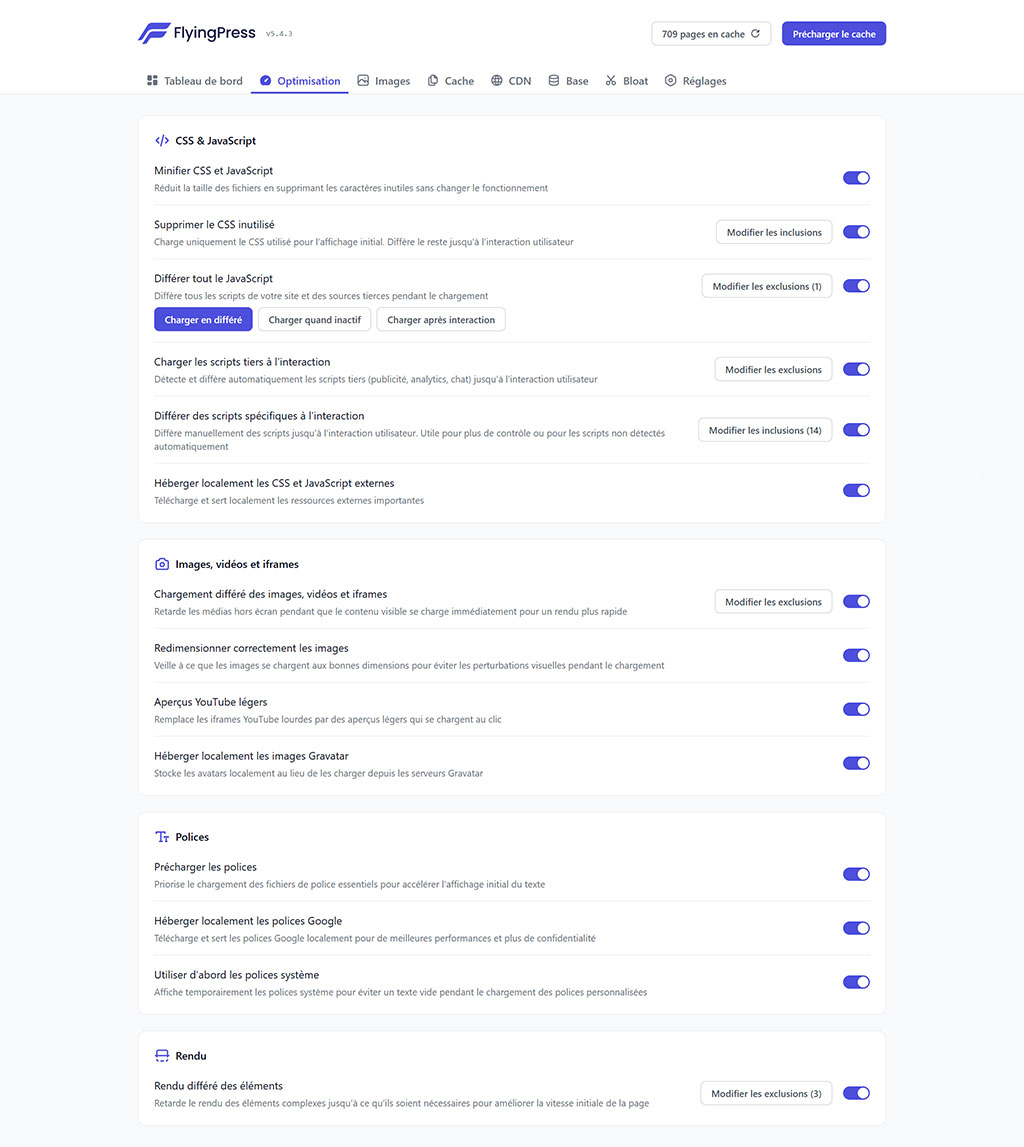
The plugin minifies, combines, and defers non-critical CSS and JavaScript. It includes a Remove Unused CSS module that detects and removes unused CSS on a page-by-page basis, pushing the LCP into the green on sites loaded with page builders.
Bloat Remover: Cleans Up Unnecessary WordPress Scripts
FlyingPress includes a Bloat Remover module that disables often-superfluous WordPress scripts by default: emojis, oEmbed embeds, front-end dashicons, jQuery Migrate, pingbacks, self-pingbacks, and native comment scripts. Each option can be enabled on a case-by-case basis.
Taken individually, each script is lightweight. Combined, they represent 50 to 150 KB of avoided HTTP requests on each page. This is particularly useful on a blog without active comments, a showcase site, or a training site where WordPress emojis serve no purpose.
Images: lazy loading, WebP, AVIF, resizing
As shown in the image, FlyingPress handles native lazy loading, automatic width/height resizing (to prevent CLS jumps), and compression. WebP and AVIF conversion is handled by FlyingCDN.

Automatic resizing is the real CLS game-changer: FlyingPress adds width and height attributes to images that lack them, which stabilizes rendering before full loading.
To go further: I’ve detailed the new features of version 5.3 regarding native image optimization in a dedicated article.
Local fonts
FlyingPress hosts Google Fonts locally, preloads critical files, and applies font-display: swap by default. The goal: to reduce flashes of invisible text (FOIT) and layout shifts (FOUT).
Real User Monitoring (RUM) Core Web Vitals
This is one of the features that sets FlyingPress apart from most caching plugins: a Core Web Vitals tracker using real user data (RUM), included at no extra cost. You’ll see your LCP, INP, and CLS scores measured on your actual traffic, not just on PageSpeed Insights lab tests.
In practice: while a visitor browses your site, the plugin collects browser-side Core Web Vitals metrics and reports them in a dedicated dashboard. You stop guessing whether your PSI score of 92 reflects your visitors’ experience. You measure it.
With competing tools, this level of tracking requires paying for a dedicated plugin (like WPMissionControl) or setting up your own stack with CrUX, Search Console, and a custom dashboard. Having this included in FlyingPress is unusual in this price range.
FlyingCDN: Cloudflare Enterprise without APO
FlyingCDN is an optional add-on for FlyingPress, based on Cloudflare Enterprise. It performs edge page caching (serving the full HTML from the PoP closest to your visitor) without requiring an APO (Automatic Platform Optimization) subscription on the Cloudflare side, and applies WebP and AVIF conversion on the fly to images.
Two things to remember:
- You get edge HTML caching (usually reserved for Cloudflare Enterprise or Varnish server configurations) without having to manage the Cloudflare configuration yourself.
- Modern image conversion is handled by the CDN, which takes the load off your WordPress server.
Pricing is separate from the main plugin and based on bandwidth consumed.
How much does FlyingPress cost?
The 4 license plans
FlyingPress is available in four annual license tiers, ranging from a single-site license to an unlimited agency package. Official 2026 pricing (source: flyingpress.com/pricing, April 2026):
| Plan | Price / year | Sites included | Who it's for |
|---|---|---|---|
| Starter | $59 | 1 site | Personal blog, brochure site, solo project |
| Pro | $109 | 3 sites | Freelancer, small client portfolio |
| Business | $229 | 10 sites | WordPress agency, studio tempted by a single tool |
| Unlimited | $279 | Unlimited | High-volume agency, reseller, multi-site manager |
At $279/year for an unlimited number of sites, the jump from Business (10 sites) to Unlimited is surprisingly small: if you manage more than 10 sites, Unlimited pays for itself immediately.
FlyingCDN. Separate add-on
FlyingCDN is not included in the plugin license. It is billed based on bandwidth consumed, with a monthly commitment.
14-day trial, no standard money-back guarantee
FlyingPress offers a 14-day free trial with full access to all features. No card is charged until the trial ends. You can actually test the plugin on your site before paying.
No renewal discount mentioned on the official 2026 page. The listed price is renewed at the same rate every year. No post-purchase money-back policy: the model relies entirely on the trial before payment.
Install and configure FlyingPress in 15 minutes
Standard installation: Download the .zip file from your customer dashboard, upload it to WordPress, and activate the license using the provided key. The default settings are already optimized for Core Web Vitals. Most sites won’t need to change much.
A few settings to check after activation:
- Cache: enable, exclude cart and checkout pages if e-commerce
- CSS: Enable Optimize CSS and Remove Unused CSS
- JavaScript: enable Defer, leave Delay disabled at first (too aggressive depending on the theme)
- Images: enable lazy load and automatic resizing
- Fonts: Enable local hosting of Google Fonts
- CDN: Only connect FlyingCDN if traffic volume warrants it
After configuration, clear the cache and then run a PageSpeed Insights test to verify that nothing is broken visually. If a JavaScript module is broken, disable Delay JavaScript first.
FlyingPress vs. your WordPress stack
Hosting provider (shared, managed, VPS)
FlyingPress works with most hosting providers. There are a few known conflicts on LiteSpeed infrastructures (double server cache) and on certain managed hosts (WP Engine) that impose their own caching layer. In these cases, you must disable certain overlapping features on the FlyingPress side.
Kadence Theme and Other Performance-Friendly Themes
With a lightweight theme like Kadence (schoolsWP stack), FlyingPress fully leverages Remove Unused CSS and critical path preloading. A cache purge button in the Kadence Admin Toolbar is a welcome addition for integration.
LMS, membership, e-commerce
On a training site using Tutor LMS or LearnDash, authenticated lesson pages must not be cached. FlyingPress handles cache exclusions via URL patterns, but the default configuration needs to be adjusted. The same applies to a WooCommerce or FluentCart checkout.
Multilingual (Polylang, WPML)
Multilingual-compatible according to the official documentation. Test this specifically if your site uses subdirectories per language, such as schoolswp.com, which runs on Polylang.
Limitations and real-world issues
On Reddit and Trustpilot, the recurring complaints are clear:
- Support is primarily in English. If your preferred language is French, the documentation and support tickets remain in English.
- There’s a learning curve for advanced JavaScript settings (Delay, Defer). Incorrect configuration can break certain front-end modules.
- FlyingCDN gets expensive quickly if your traffic volume skyrockets. The bandwidth model is better suited for medium-sized sites than for high-traffic news sites.
- Less third-party documentation in French than WP Rocket (forums, tutorials, YouTube videos).
These aren’t deal-breakers, but they’re things to know before signing the license.
Who FlyingPress is designed for (and who it isn’t)
Designed for:
- A WordPress site owner who wants ONE high-performance plugin instead of a stack of four
- A site with a clear Core Web Vitals goal (Search Console report in the red, SEO audit coming up)
- A publisher comfortable with technical documentation in English
- A lightweight theme stack (Kadence, GeneratePress, Astra) with possibly a well-configured LMS or checkout
Not designed for:
- A complete beginner who wants French support via live chat
- A high-traffic site where FlyingCDN becomes a major cost item (alternative: Cloudflare direct + Varnish server)
- A site on a LiteSpeed infrastructure where LSCache already handles page caching
Alternatives to FlyingPress
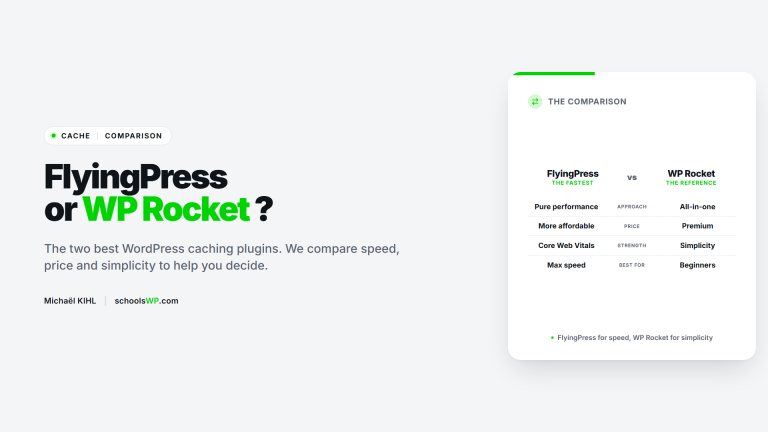
FlyingPress vs WP Rocket
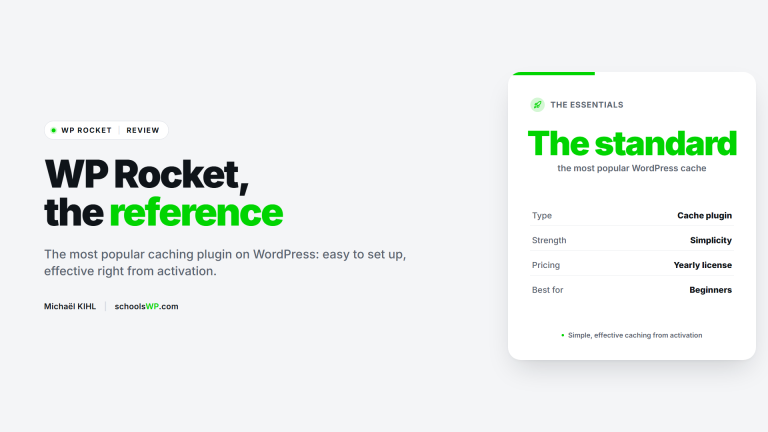
The most direct competitor in France: documentation and support in French, larger user base in France, comparable pricing. No native Core Web Vitals support included. Greater reliance on additional plugins (Imagify for images). See the full FlyingPress vs. WP Rocket comparison on schoolsWP.
LiteSpeed Cache
Free, excellent if your host runs on LiteSpeed Web Server (LSWS). In this case, LiteSpeed Cache outperforms any PHP caching plugin, including FlyingPress.
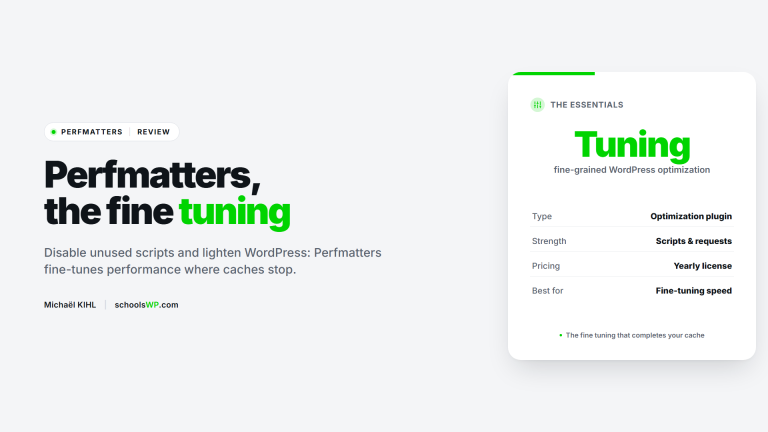
Perfmatters
Complement, not a replacement. Perfmatters disables unnecessary scripts and requests at a granular level (by page or content type). It pairs well with FlyingPress, which manages the cache and assets while Perfmatters cleans up the unnecessary.
Questions about FlyingPress? We have the answers.
Get answers to a list of frequently asked questions.
My opinion on FlyingPress
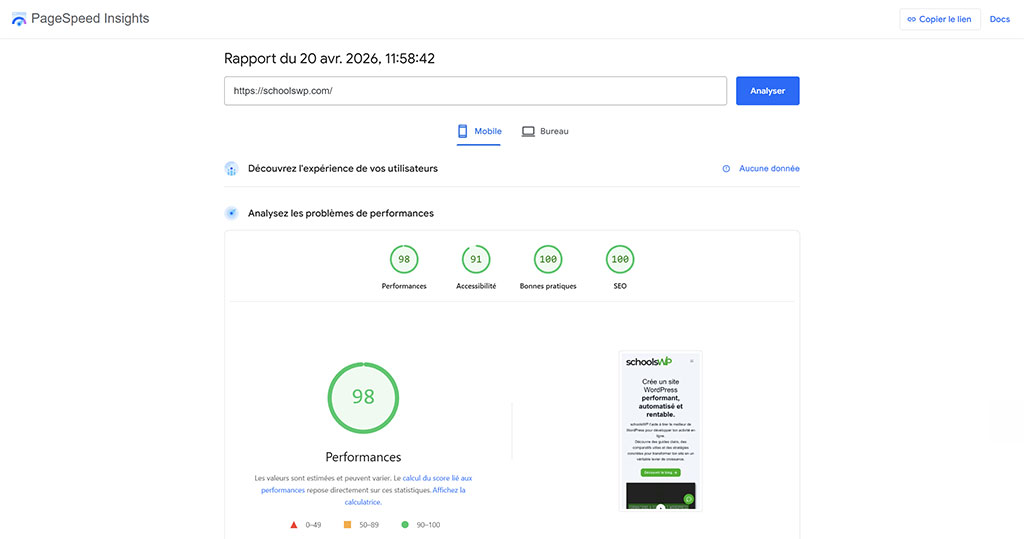
- FlyingPress combines in a single tool what often requires three plugins
- The included RUM Core Web Vitals support is rare in this price range
- FlyingCDN provides real LCP optimization via Cloudflare Enterprise, without an APO subscription
- Support and documentation are primarily in English, keep this in mind
- Pricing should be verified before making a decision
For a WordPress user who is comfortable with English support and wants to improve their Core Web Vitals without stacking plugins, FlyingPress is a good buy. For a complete beginner who wants French support via chat, WP Rocket remains the more user-friendly option.