WordPress testing & deployment tools
Test, validate, deploy: work your WordPress site like a pro (without pulling your hair out).
Why test and deploy your WordPress site properly?
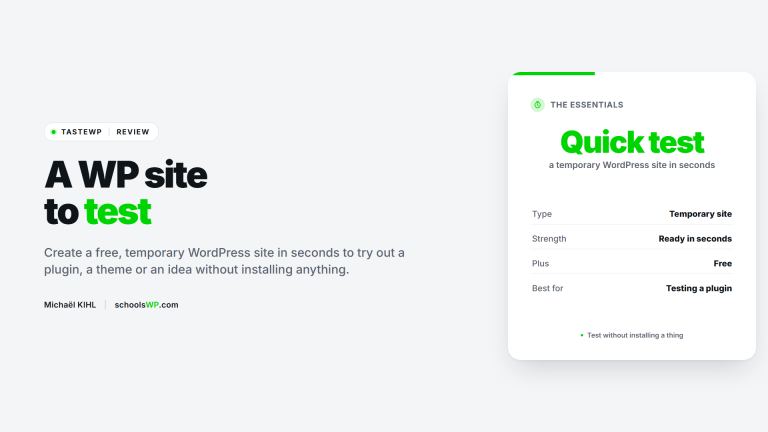
Before putting a site online or pushing an update, it’s crucial to test without risk. A plugin error or incompatibility can quickly break an entire site. Fortunately, WordPress offers powerful tools for working locally, cloning a site, or deploying serenely.
Whether you’re a freelancer, trainer or solo creator, this often overlooked step can save you time, avoid bugs and secure your deliveries. schoolsWP guides you in adopting the right reflexes and the right tools.
What you’ll find in this category
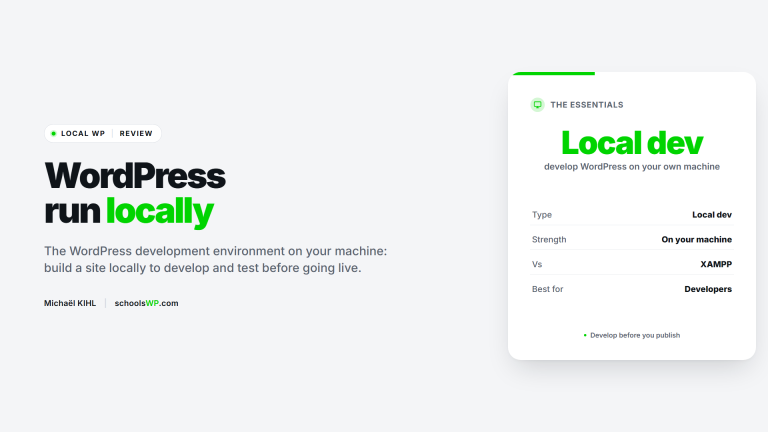
Tools for creating a local test environment (LocalWP, DevKinsta…)
Tutorials for cloning, migrating or backing up a site without stress
Tips for testing your pages and plugins without breaking the bank
Staging, versioning and environment management plugins
Best practices for smooth deployment, even solo
Bonus: free training
👉 Discover our free schoolsWP training course:« Working locally and deploying your WordPress site without bugs or stress. »Go to training ➜